Original Data For Example
You need use menu [File/Create] or [File/Modify] project for data table.
You can see data files example in folder VX\USER\ :
- chart.cdf
- demo.cdf
- department.cdf
- employee.cdf
- finace.cdf
- ftype.cdf
- matrix.cdf
- matrix3.cdf
- matrixx.cdf
- province.cdf
- religion.cdf
- salary.cdf
You also can see source code css in folder WEBROOT\CSS\*.css
- *.css
You also can see source javascript code html script in folder WEBROOT\SYS\VX.js
- *.js
You also can see source html code html script in folder VX\WEBROOT\:*.html
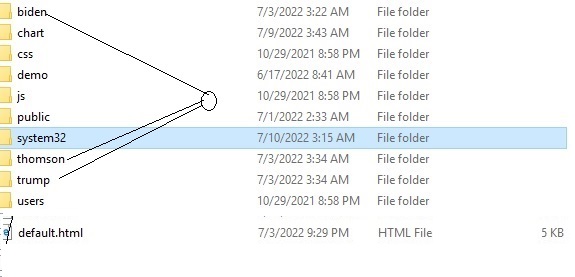
source code html for this example
This list created data, original data for example: :
- chart.cdf
Used for chart example:
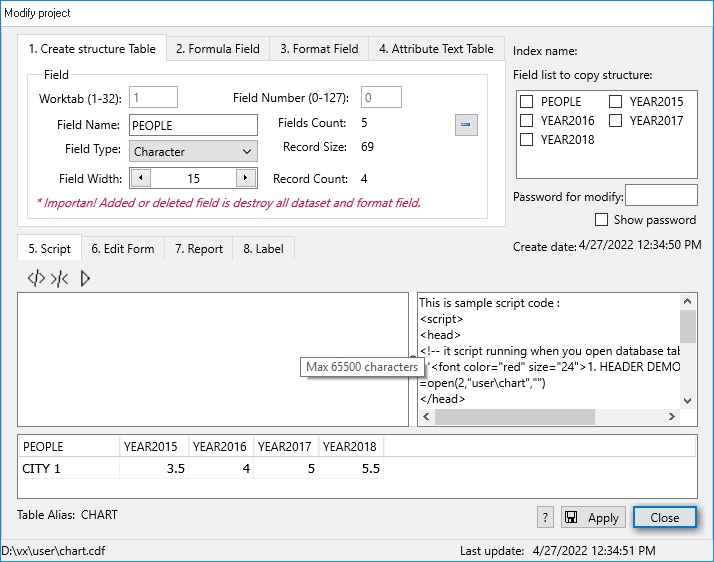
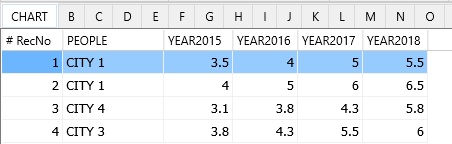
After that, you open by menu [Table/Open] and input data by menu [Data/Edit], like below:
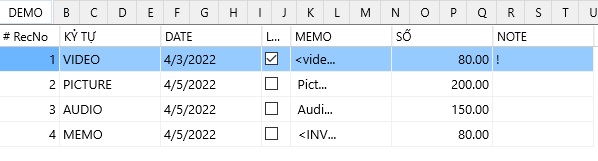
- demo.cdf
Used for demo input data field:
+ field type: Char,Date,Memo,Logic, Number
+ Script code.
+ Edit form (VX+ code or Html webpage code).
+ Report form.
+ Label form.
+ Format field.
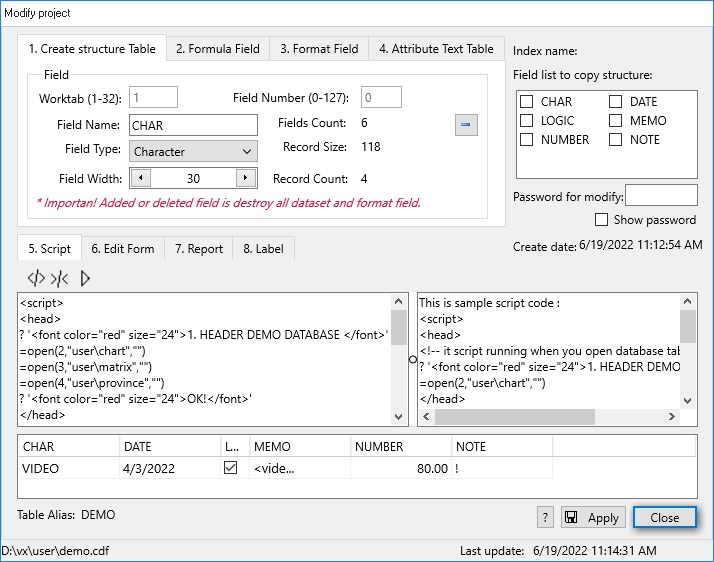
After that, you open by menu [Table/Open] and input data by menu [Data/Edit], like below:
- department.cdf
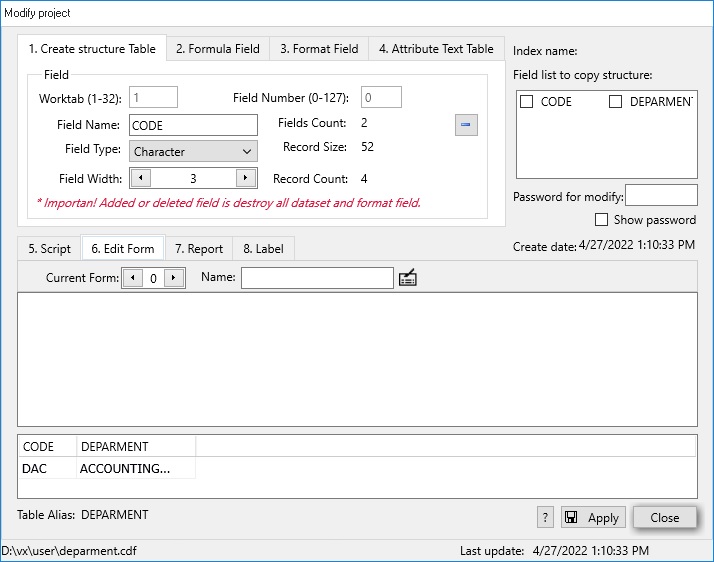
After that, you open by menu [Table/Open] and input data by menu [Data/Edit], like below:

- employee.cdf
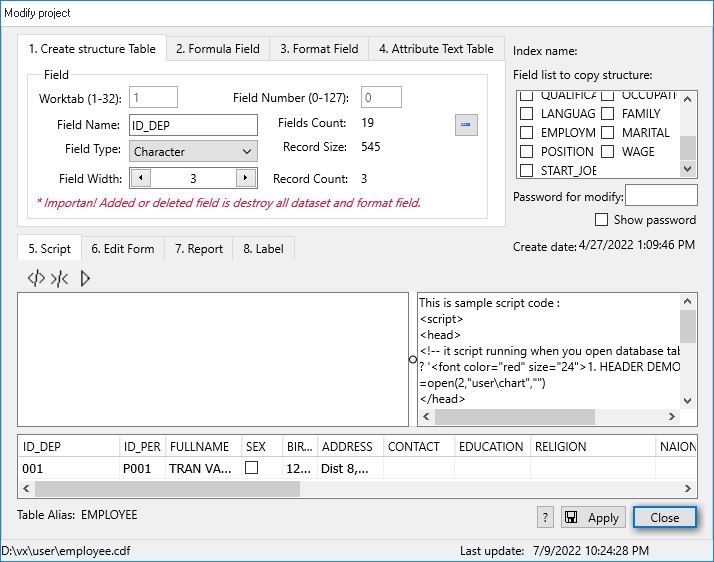
After that, you open by menu [Table/Open] and input data by menu [Data/Edit], like below:

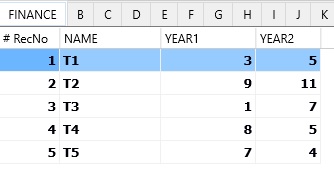
- finace.cdf
Used for finace function.
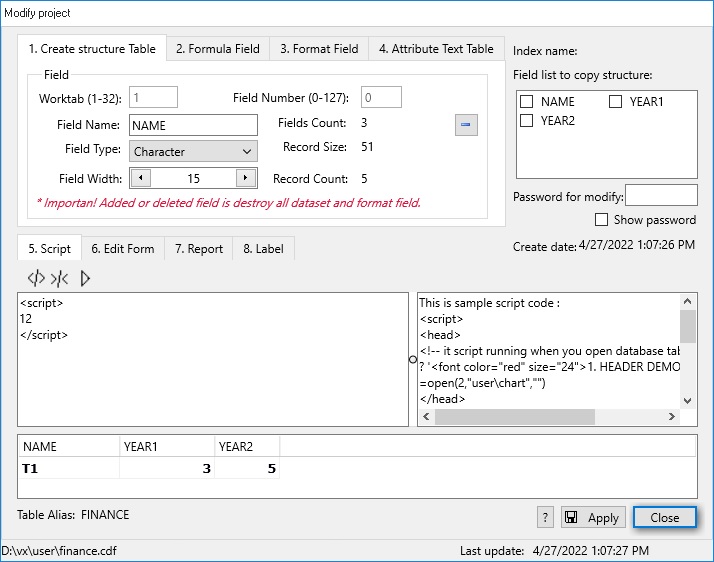
After that, you open by menu [Table/Open] and input data by menu [Data/Edit], like below:
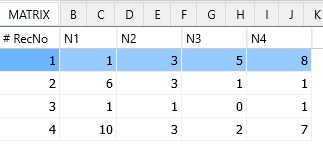
- matrix.cdf
Used for matrix function.
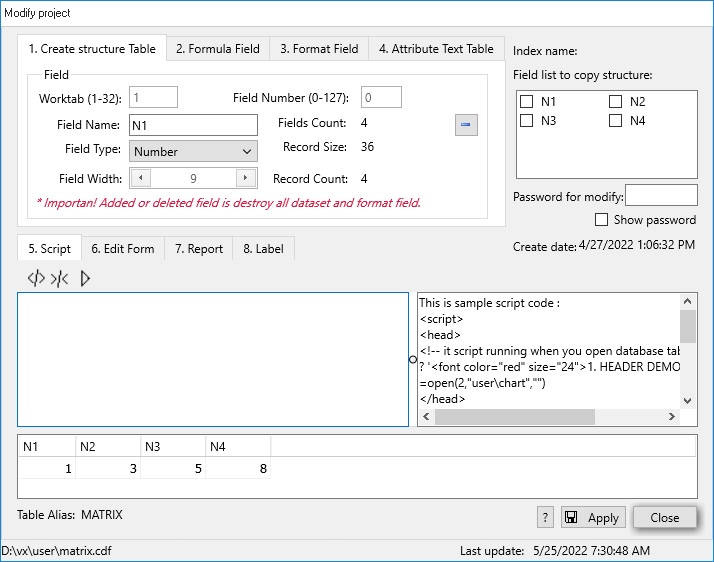
After that, you open by menu [Table/Open] and input data by menu [Data/Edit], like below:
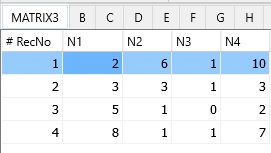
- matrix3.cdf
Used for matrix 3d function.

After that, you open by menu [Table/Open] and input data by menu [Data/Edit], like below:
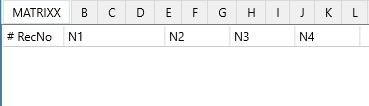
- matrixx.cdf
Used for matrixx function.
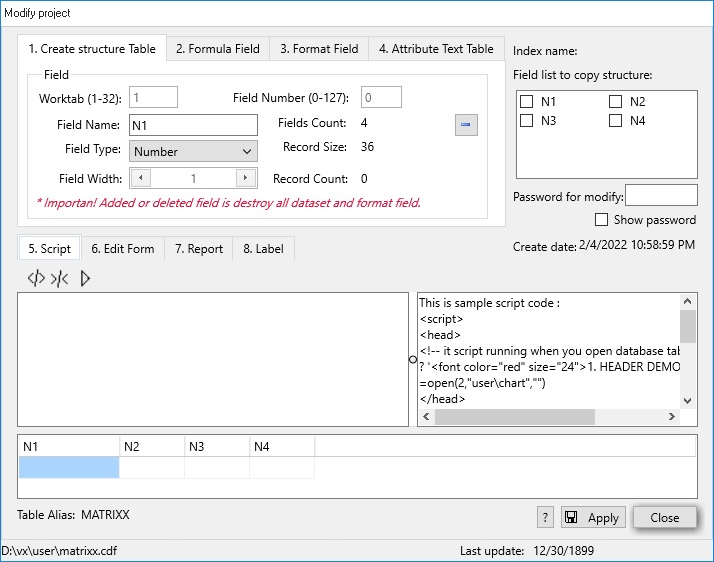
After that, you open by menu [Table/Open] and input data by menu [Data/Edit], like below:
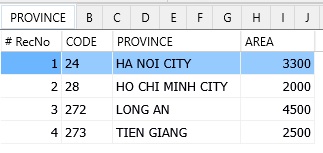
- province.cdf
Used for input data select inside client.
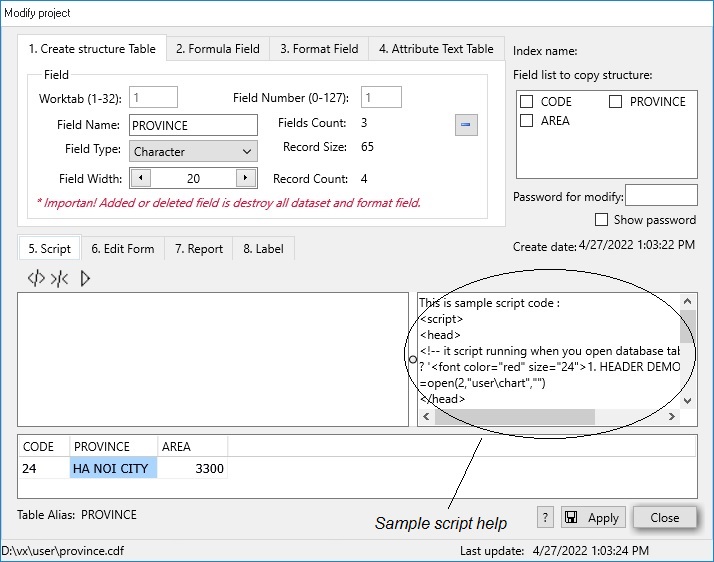
After that, you open by menu [Table/Open] and input data by menu [Data/Edit], like below:
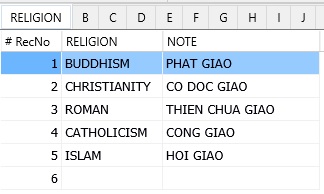
- religion.cdf
Used for input data select inside client.
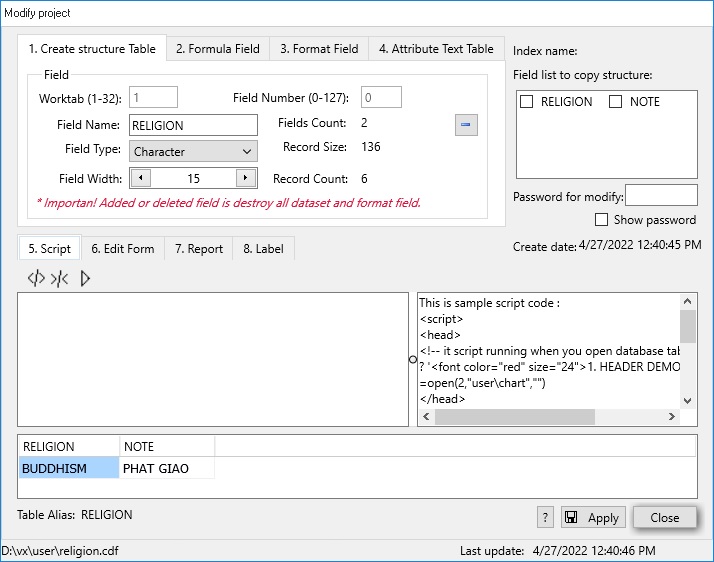
After that, you open by menu [Table/Open] and input data by menu [Data/Edit], like below:
- salary.cdf
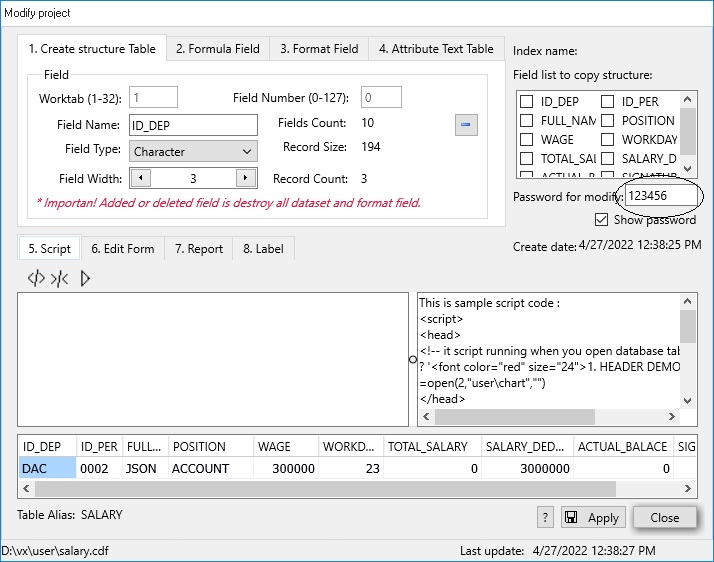
After that, you open by menu [Table/Open] and input data by menu [Data/Edit], like below:
